How to Instantly Animate Quantum ESPRESSO Results (pw.x) in your Browser
It can be a daunting task to track structural changes from the massive text files output by QE (pw.x). In this article, we'll show you how to check trajectories without any special settings, **simply by selecting and loading the output file** in your browser.
Change the Speed of QE Analysis
Many visualization software tools require converting QE output to PDB or XYZ formats, or manually defining unit cell information.
Forblaze Mol directly interprets the pw.x output format, eliminating the need for such pre-processing.
- No format conversion required: You can load
.outfiles as they are. - Automatic extraction of atom and cell information: It automatically recognizes not only coordinates but also element types and unit cell changes.
- OS independent: Works in browsers on Mac, Windows, and Linux.
1. Select the Output File
Launch Forblaze Mol, select “Quantum ESPRESSO out (Text)”, click “Open Simulation File”, and select the output file from your QE calculation (e.g., methane8_pw.out).
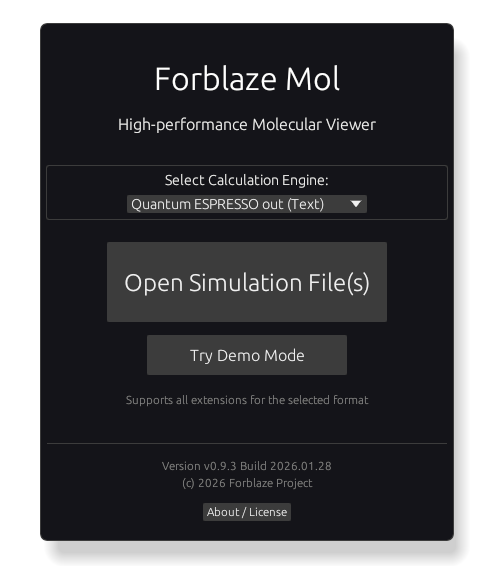
For MD calculations (calculation = ‘md’ or ‘vc-md’), a single file contains the trajectories for all steps. It also supports loading ‘scf’, ‘relax’, and ‘vc-relax’.
2. Confirm File Content
When you select a QE file, the app automatically scans the content and extracts the necessary information.
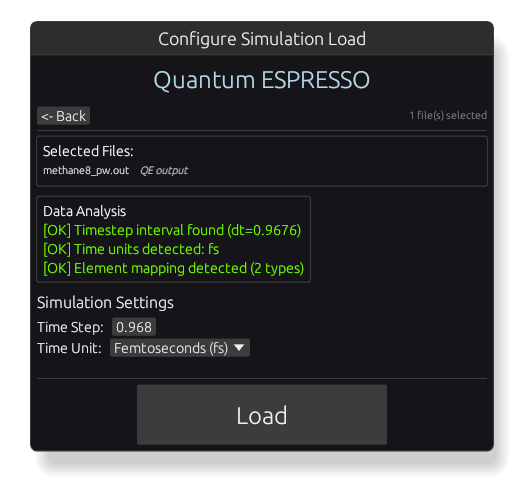
Unlike formats such as LAMMPS, QE files explicitly include element information, so you can proceed to the 3D screen simply by clicking the “Load” button without any additional settings.
3. AIMD Trajectory Playback
Once the load is complete, the atomic arrangement obtained by the first-principles calculation is drawn in 3D.
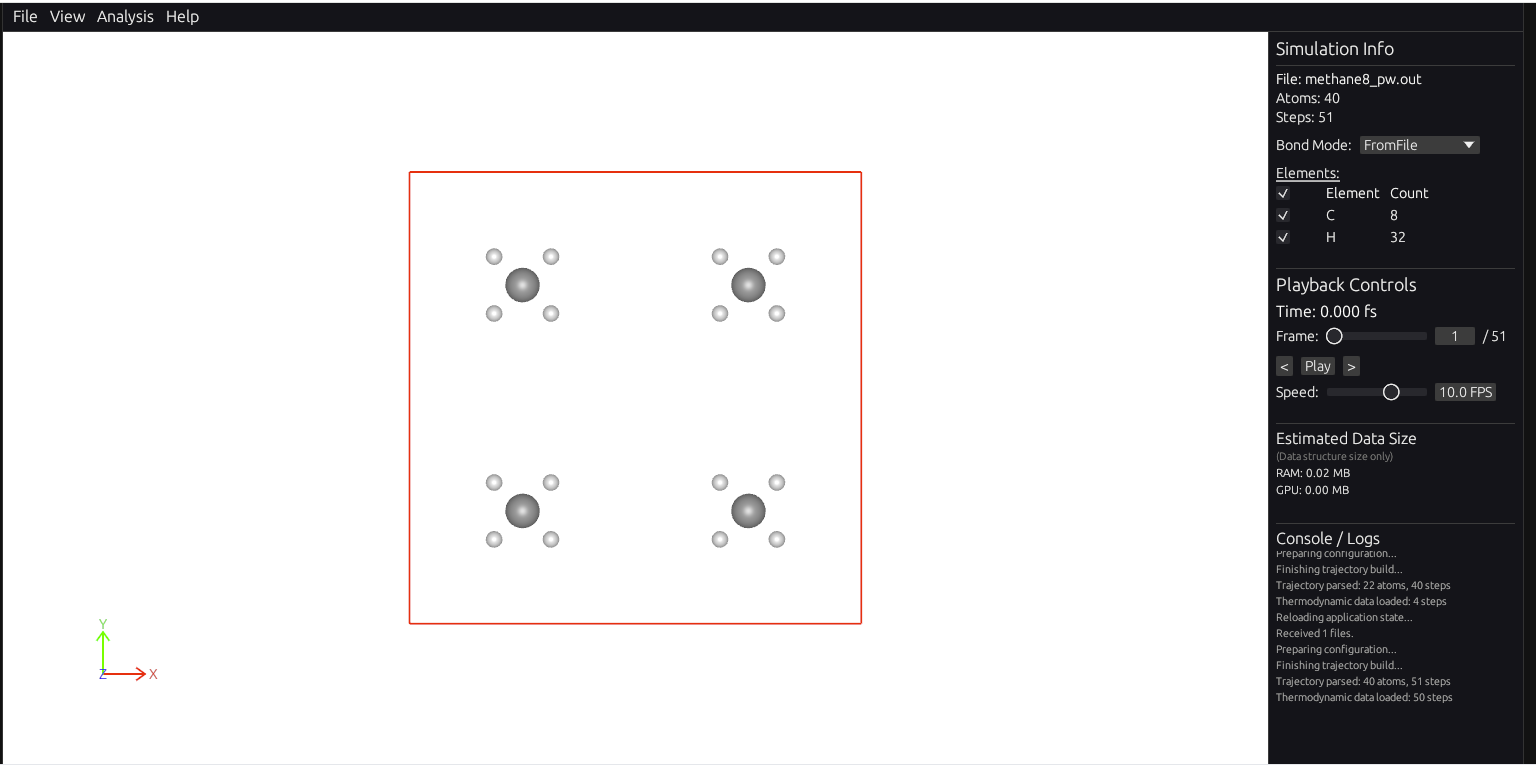
You can check the results of the AIMD calculation through mouse operations (rotation, movement, zoom) and animation playback.
4. Dynamic Bond Display
QE calculation results do not include information about chemical bonds. However, this app automatically displays bonds based on interatomic distances in every frame, allowing you to check the formation and breaking of bonds.

By setting the Bond Mode to “Auto Dynamic” in the information panel, you can draw bonds based on the distance between atoms in real-time.
Summary
Use this tool for quick feedback on your calculation results, saving you the trouble of format conversion and setup.
Check Quantum ESPRESSO Results Now
Web apps work directly in your browser with no setup required.
Launch Forblaze Mol